
Summary
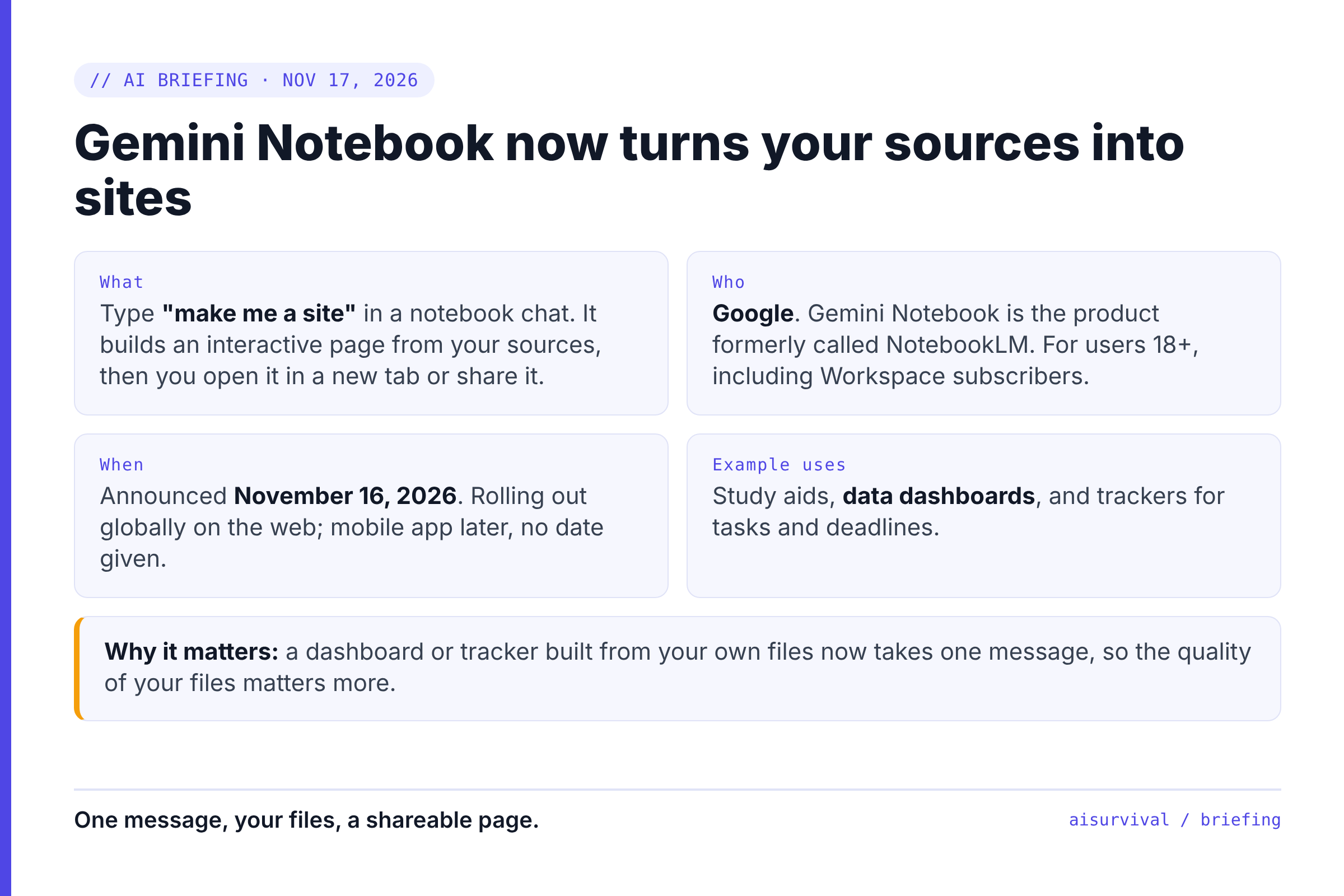
- What happened: On November 16, 2026, Google added interactive sites to Gemini Notebook: type "make me a site" and it builds a web page from your sources.
- Why it matters: A dashboard, tracker, or explainer built from your own files now takes one chat message instead of a designer or a developer.
- Do this now: Clean up the files you'd feed it, and decide what you're allowed to share before you click "share."
AI Briefing · Gemini Notebook interactive sites
On this page
- What are Gemini Notebook interactive sites?
- Why it matters: the one-page tool gets cheap
- What to prepare for
- What we don't know yet
- Copy-and-paste prompt
- Limits
- FAQ
What are Gemini Notebook interactive sites?
Interactive sites are web pages that Gemini Notebook builds from the sources you've added to a notebook, such as documents, notes, and research. You ask for one in the notebook chat, and you can open it in a new tab or share it. Gemini Notebook is the Google product formerly called NotebookLM.
Here are the facts, as published on November 16–17, 2026:
- When: Google announced the feature on November 16, 2026, and started rolling it out globally on the web that day (Google blog).
- How to use it: In the notebook chat, type "make me a site" and describe what you want. When it's built, choose "Open in a new tab" to use it, or share it (Google blog).
- Google's example uses: study aids like an interactive periodic table or a historical timeline, dashboards like quarterly sales performance, and trackers for tasks and deadlines (Google blog).
- Who can use it: Gemini Notebook users aged 18 and over, including Google Workspace subscribers. Google says the mobile app is coming soon, with no date given (Google blog).
- What Google showed: In Google's demo, five sales documents became a dashboard with region filters, revenue against quota, and pipeline charts (Digital Trends).
- Not stated: Price, usage limits, which model builds the sites, and how sharing permissions work (Google blog; PPC Land).
Why it matters: the one-page tool gets cheap
Everything in this section is our analysis, not something Google said.
The draft dashboard is no longer a ticket
Many teams wait days for a small internal page: a launch tracker, a sales view, a research summary someone can click through. If a notebook can build a first version from the files you already have, the wait shrinks to minutes. The hard part moves from "who builds it" to "which files are right."
It's built from your sources, so your sources are the product
Digital Trends points out the difference from general app builders: these sites draw on the files you add. That's useful, and it's also the risk. An old spreadsheet or a half-finished memo in the notebook can end up looking polished and official on a shared page.
Sharing gets easy before the rules are clear
Google says you can share a site, but its post doesn't explain who can see it or whether it can be found by others. Until that's documented, treat every shared site as if the wrong person might open it. That matters most when the notebook holds customer or sales data.
Side projects get a free first draft
If you run a small project, a clickable guide or tracker built from your own notes is now a quick experiment. It's a prototype (a rough working version to test an idea), not a hosted product. We'd use it to test whether people want the thing, not to launch it.
What to prepare for
These are our suggestions, split by who you are.
Product managers and planners
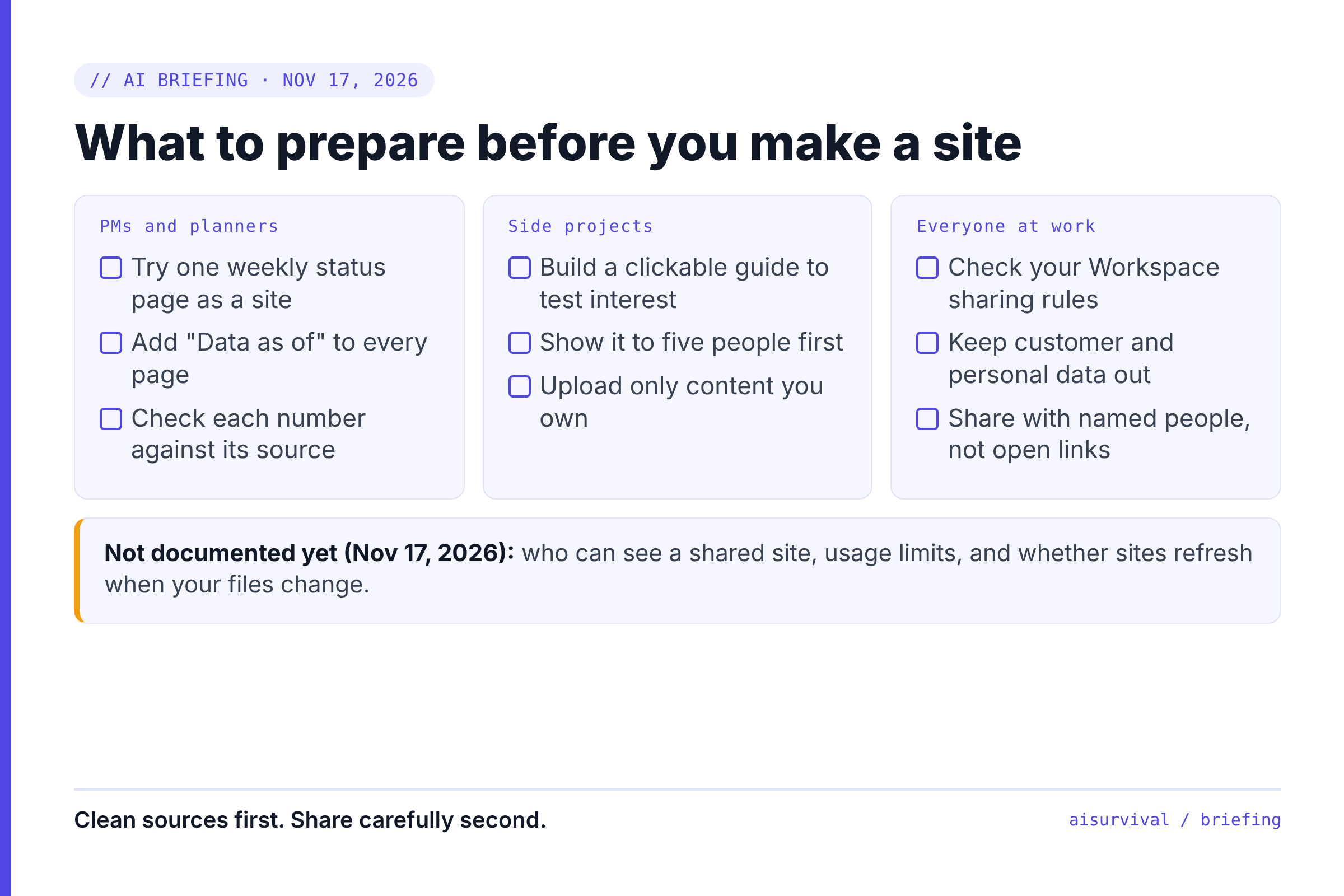
- Pick one recurring update you build by hand, such as a weekly status page, and try it as a site from the same source files.
- Put the data date on every generated page ("Data as of …"), so nobody mistakes a snapshot for a live dashboard.
- Check every number on the site against the source file before you share it. The demo looks finished, but you are still the owner of the figures.
People building side projects
- Use a site to test interest: build a clickable guide or tracker from your notes and show it to five people before you build anything bigger.
- Upload only material you own or have the right to use. A site built from someone else's content is still someone else's content.
Everyone using AI at work
- Ask whether your company's Workspace setup allows this feature and sharing outside the company before you use work files.
- Keep customer names and personal data out of any notebook you plan to turn into a shared site.
- Prefer sharing with named people over open links until Google documents how site sharing works.
What we don't know yet
| Question | Why it matters | When we may know |
|---|---|---|
| Who can see a shared site? | Decides whether it's safe for work or customer data. | When Google publishes help docs on site sharing; not described as of November 17, 2026. |
| Are there usage limits or plan differences? | Decides whether you can rely on it for weekly work. | Not stated in the announcement; watch Google's plan pages. |
| Do sites update when sources change? | A dashboard that doesn't refresh can quietly go stale. | After hands-on reports or Google documentation. |
| When does it reach the mobile app? | Matters if your readers or team work mostly on phones. | Google says soon, with no date given. |
Copy-and-paste prompt
Use this inside a notebook to get a site you can check, not just a pretty page. Replace the brackets first.
Prompt: A site you can trust
Make me a site for [audience, e.g., "my team's Monday check-in"].
Goal: help them answer [one question, e.g., "which launch tasks are late?"].

Rules:
1. Use only the sources in this notebook.
2. Show "Data as of [date]" at the top.
3. Next to every number, name the source file it came from.
4. If something is missing from the sources, write "Not in sources" instead of guessing.
5. Keep it to one page with at most 4 sections.
Quick check
Question: Can you build a Gemini Notebook site from your phone today?
Answer: Not yet, as of November 17, 2026. The rollout started on the web, and Google says the mobile app is coming soon.
Limits
- This is an analysis of Google's announcement and news reports as of November 17, 2026. Availability, features, and sharing rules may change.
- The demo details come from Digital Trends' report, not from our own use. We have not tested the feature ourselves.
- The "Why it matters" and "What to prepare for" sections are our judgment, not Google guidance.
- Check your company's data and sharing policies before you put work files into any AI tool.
FAQ
Is Gemini Notebook the same as NotebookLM?
Yes. Gemini Notebook is the product formerly called NotebookLM.
How do I make a site in Gemini Notebook?
Add your sources to a notebook, then type "make me a site" in the chat and describe what you want. When it's ready, open it in a new tab or share it.
Is Gemini Notebook's site feature free?
Google's announcement doesn't mention price or usage limits. It says the feature is for users 18 and older, including Workspace subscribers.
What to read next: if your site will show data, see 7 ways to make infographics with AI for what makes a visual easy to read. Before you share a site widely, test it with a few people using usability testing with 5 users.
Your turn: Which page at work would you hand to Gemini Notebook first: a status tracker, a dashboard, or an explainer? Tell us in the comments.
Sources
- Google: Transform notes, research, and sources into interactive sites with Gemini Notebook (Maria Ines Aranguren, November 16, 2026)
- Digital Trends: Gemini Notebook can now turn your notes into interactive websites (Dwayne Cubbins, November 16, 2026)
- PPC Land: Google's Gemini Notebook turns notes and files into sites (November 17, 2026)
Leave a Reply